Advanced Prompt Techniques: Aspect Ratios, Weights, and Parameters
Updated: Oct 10
You've got the basics down. Your prompts are more specific than they were. You're getting results you're reasonably happy with. Now you want more control — finer creative direction over exactly what comes out. Advanced prompt techniques give you precision where the basics give you direction.
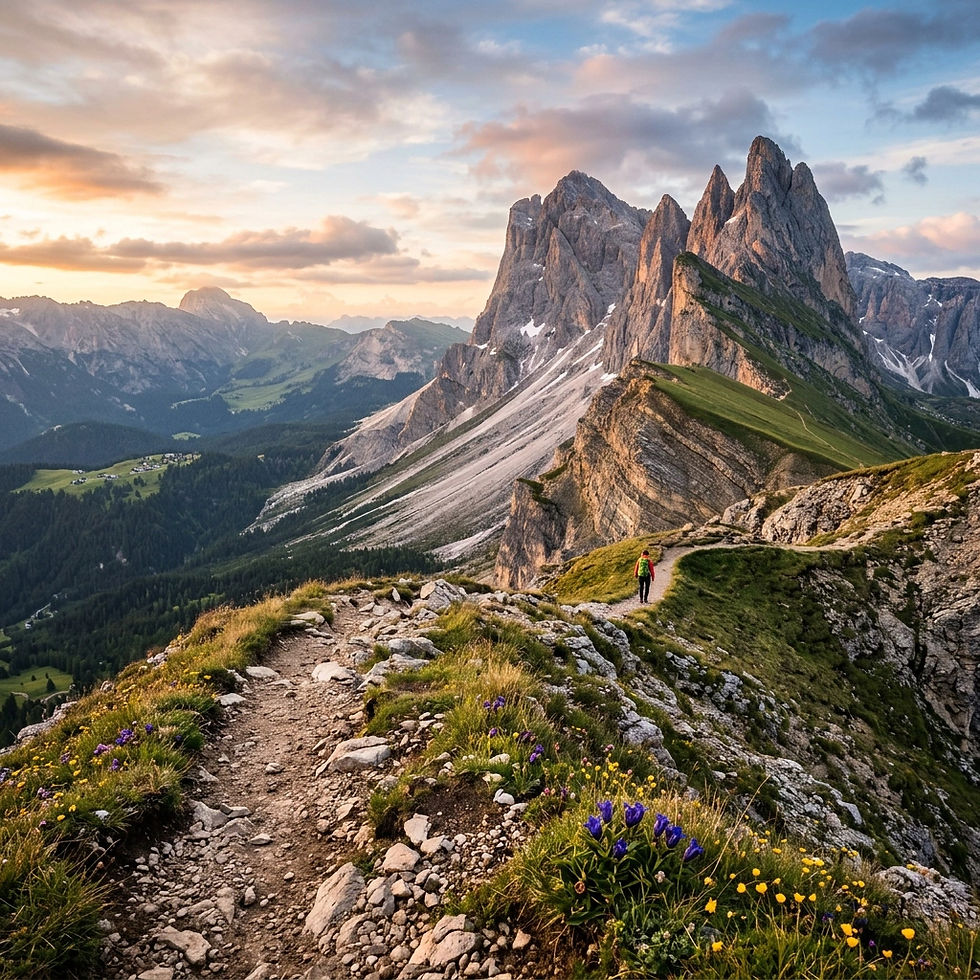
Aspect ratio: controlling the shape of your image
In Midjourney, add --ar [width]:[height] to the end of your prompt. Common ratios: --ar 1:1 (social media posts), --ar 4:3 (landscape photography feel), --ar 16:9 (widescreen, cinematic), --ar 9:16 (portrait, phone wallpaper, Instagram Stories), --ar 2:3 (portrait photography, book covers). The aspect ratio you choose affects composition naturally — a 16:9 prompt encourages the AI to create wide, expansive scenes.
Prompt weights: telling the AI what matters most
In complex prompts with multiple elements, the AI sometimes underemphasises something you care about. In Midjourney, use :: followed by a number after any word or phrase. ::2 means weight this element twice as heavily as default. ::0.5 means weight this element half as heavily. Example: 'a knight::2 standing in a burning castle, dragon::0.5 in the background' — this tells the AI to make the knight the clear visual focus.
Stylisation: how creative vs. how literal
Midjourney's --stylize parameter (or --s) controls how much creative latitude the AI takes. Low (0-100): Very literal, follows your prompt closely. Default (100): Balanced starting point. Medium-high (250-500): More artistic interpretation. High (750-1000): Highly artistic, takes significant creative liberties. Use low when you need precision; use high when you're exploring aesthetics.
Chaos: controlling variation between outputs
--chaos (range 0-100) controls how varied Midjourney's four initial output images are. Low chaos (0-10): The four images are similar. Medium chaos (25-50): Moderate variation. High chaos (75-100): Wildly varied outputs — useful for exploration and unexpected discovery.
Combining advanced techniques
The real power comes from combining these parameters together. Example: 'a baroque oil painting of a storm over a gothic cathedral, lightning illuminating stained glass, dramatic chiaroscuro, cinematic, ultra-detailed::2, moody atmosphere::2, people::0.5 --ar 16:9 --s 600 --q 2 --v 6'. Breaking that down: key elements are weighted, people are de-emphasised, widescreen ratio, high stylisation, high quality render.
Part of our Prompt Engineering series:


Comments