Surreal AI Art Prompts: Dreamlike Ideas to Copy and Tweak
Some of the most memorable images ever made make no sense at all. A clock drapes over a branch like a wet towel. A man in a bowler hat has an apple where his face should be. Surreal art has a way of lodging in your memory precisely because it breaks the rules of the waking world. The good news is that surreal AI art prompts are one of the easiest and most rewarding places for a beginner to start, because image generators are naturally good at combining things that don't belong together.
In this post, I'll take you through what makes an image feel surreal, a simple way to build your own prompts, and a handful of tested prompts from the AiJoe Prompt Library that you can copy, tweak and make your own.
What Makes an Image Feel Surreal?
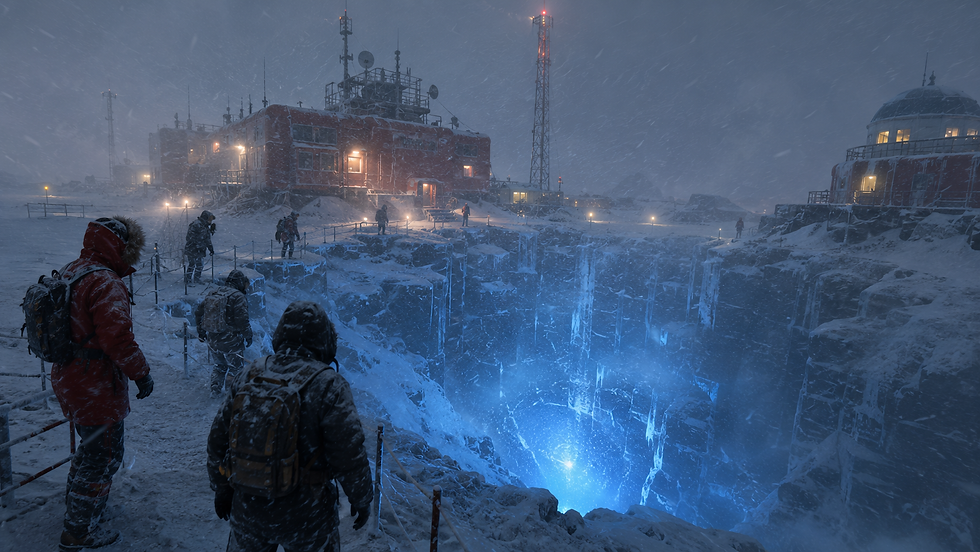
Surrealism began as a literary movement and was officially launched in Paris in 1924 with André Breton's Manifesto of Surrealism. The artists who followed, including Salvador Dalí, René Magritte, Max Ernst and Joan Miró, wanted to release the imagination of the subconscious and bring dream imagery into art.
At its core, a surreal image usually does three things:
Starts with the familiar: a staircase, a desert, a city, a bed. Viewers need something they recognise.
Breaks one rule: gravity, scale, material or logic stops working the way it should.
Commits to the illusion: the light, shadows and textures stay believable, so the strangeness feels real rather than messy.
That last point is where many first attempts go wrong. A surreal image is not just random. It is a carefully staged impossibility.
How to Write Surreal AI Art Prompts
The trick is to give the AI a clear, ordinary scene first and then introduce one deliberate twist. Here is a simple workflow you can follow:
Pick an everyday subject. Choose something concrete, such as a library, a teacup, a staircase or a field of sunflowers.
Choose one rule to break. Make it float, swap its material, change its scale or place it somewhere it could never exist.
Describe the light carefully. Name the time of day and the light source, for example "harsh noon sun" or "deep twilight". Believable light holds the illusion together.
Set the mood. Words like quiet, eerie, serene or unsettling steer the emotional tone more than you might expect.
Add composition and detail. Mention the viewpoint, the foreground and background, and any small details that reward a second look.
For a refresher on the basics of structuring a prompt, our guide on how to write better AI image prompts covers the essentials in a few minutes.
Surreal AI Art Prompts to Copy
The prompts below are from the AiJoe Prompt Library. Some of the longer ones are shown in part here, and you can find the full versions in the library's Surreal category.
Paste them into your favourite generator as they are, then start swapping details.
Floating Jellyfish City. A playful starting point that mixes fantasy and science fiction:
A city floating in the sky beneath giant glowing jellyfish, soft pastel clouds, futuristic towers, tiny flying boats, dreamlike cinematic fantasy, ultra-detailed
Notice how it names the scale ("giant"), the colour palette ("soft pastel") and the overall feel ("dreamlike cinematic fantasy") in just a few words.
Staircase Without Building. This one shows the "familiar object, broken rule" idea perfectly. Here is the opening:
A grand Beaux-Arts marble staircase rises through open sky — no building surrounds it, no ground beneath it, just the staircase floating in a deep twilight atmosphere with cirrus clouds drifting through the balusters.
The architectural detail makes the staircase feel solid and real, which is exactly why its impossible position is so striking.
Desert of Unmade Beds. A quieter, more unsettling idea built around a material swap:
An endless desert where the dunes are formed entirely from white linen bedsheets, crumpled and wind-sculpted into forms that almost suggest sleeping figures beneath. The light is a harsh Saharan noon sun at full zenith, casting no shadows except deep in the sheet-folds, where the darkness is absolute.
The lighting description does a lot of work here. It tells the AI exactly how the sheets should look, so they read as fabric rather than sand.
Werewolf Cathedral of Antlers. For something darker and more dramatic, here is a shortened version:
A surreal cathedral grown from antlers and wolf bone, a monumental werewolf kneeling at its altar under a blood-orange harvest moon, fur rippling like storm cloud, stained-glass shards scattering violet light across the flagstones, ravens spiralling through the vaulted ribs, symmetrical composition
Symmetry is a useful tool in surreal work. A calm, balanced composition makes a strange subject feel even more deliberate.
Five Surreal Twists to Try
Once you have a basic scene, try one of these twists. Using just one at a time often gives cleaner results than stacking them all together.
Swap the scale: a teacup the size of a lighthouse, or a whale small enough to sit on a fingertip.
Swap the material: a mountain knitted from wool or a river of molten glass. Our post on impossible material combinations has plenty more ideas.
Switch off gravity: furniture, rocks or rain hanging in mid-air.
Build impossible architecture: doors that open onto the sea, or stairs that loop back on themselves.
Bend time: a single tree showing all four seasons, or a street lit by both the sun and the moon.
Adjusting Your Tool for Stranger Results
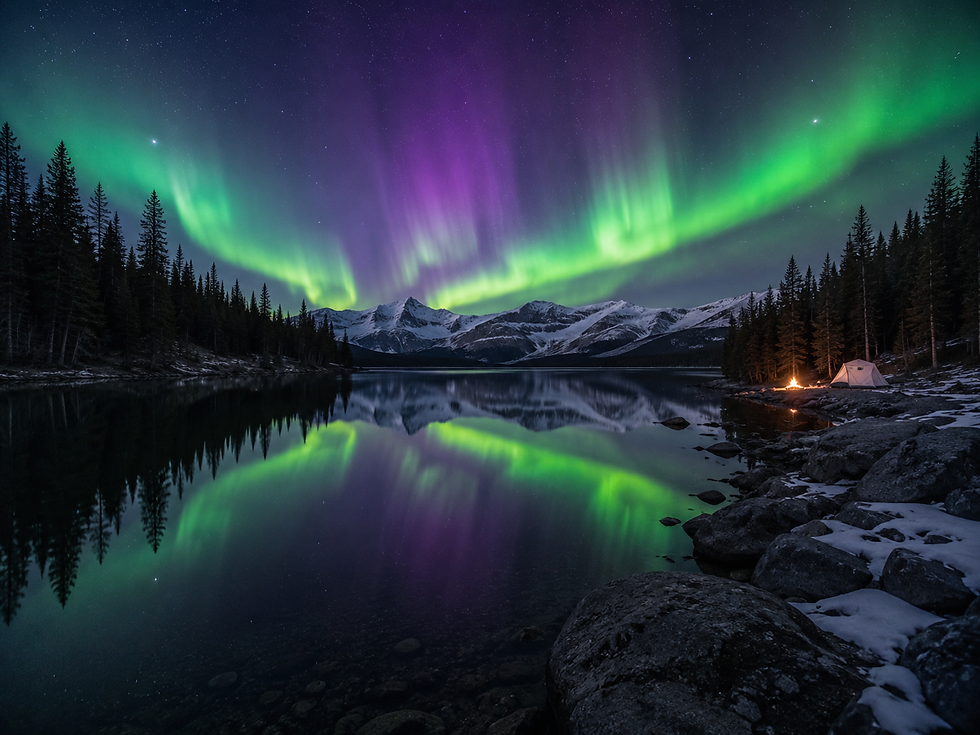
Most generators respond well to words like dreamlike, uncanny and impossible, though results vary from tool to tool. Some tools also offer settings that push the output further.
In Midjourney, for example, the --weird parameter makes images more quirky and experimental. According to Midjourney's own documentation, it accepts values from 0 to 3000, with 0 as the default, and works with version 5 and later. The --chaos parameter (shown as Variety on the website) accepts values from 0 to 100 and makes your four results differ more from one another. Start low, such as --weird 250 or --chaos 20, and increase gradually, as high values can drift away from your prompt. These settings can change between versions, so it is worth checking the current documentation.
If you'd like more control over settings like these, our guide to aspect ratios, weights and parameters explains how they fit together.
Common Problems and Simple Fixes
The image looks cluttered: remove twists until only one or two remain, and describe a clear focal point.
It looks like generic fantasy art: ground the scene with an ordinary, real-world setting, such as a train station, a kitchen or a seaside town.
The strange part looks fake: describe the texture and light on the impossible element, not just the object itself.
Results feel random: lower any variety or weirdness settings, and make the subject more specific.
Keeping your best prompts in one place helps too. Our post on using a prompt library to speed up your AI art explains how to build on what already works rather than starting from scratch each time.
FAQ
What is the best word to add for a surreal look?
"Dreamlike" is a good starting point, but it works best alongside a specific twist. Describing exactly what is impossible usually gives stronger results than adjectives alone.
Do I need a paid tool to make surreal AI art?
Not necessarily. Many free generators handle surreal combinations well, though features and limits change often. The prompt-writing principles in this post apply to almost any tool.
Can I use famous surrealist artists' names in prompts?
Some tools may respond to artist names, but naming living artists raises fair questions about copying someone's style. Describing the qualities you admire, such as melting forms, calm skies or impossible scale, is often more creative and more personal.
Surreal art rewards curiosity, so start with something ordinary, break one rule and see where it takes you. You'll find hundreds more ideas to remix in the AiJoe Prompt Library, or try the free Prompt Generator to build a dreamlike scene of your own.


Comments